Four tools that carry a contract from first draft to signature and through its full life. Review the draft, compare the versions, question the document, then manage the obligations that follow.
5,000+
Lawyers on the platform
4
Contract products
1
Shared Document Platform
‹
›
Trusted by 5,000+ lawyers across India's leading law firms and enterprises
The Sub Products
Each product solves a distinct part of contract work. Start with the one that hurts most today and add the rest as the workflow settles. They share the same document layer, so a draft reviewed in DocReview is the same contract tracked later in CLM.
Stage 01
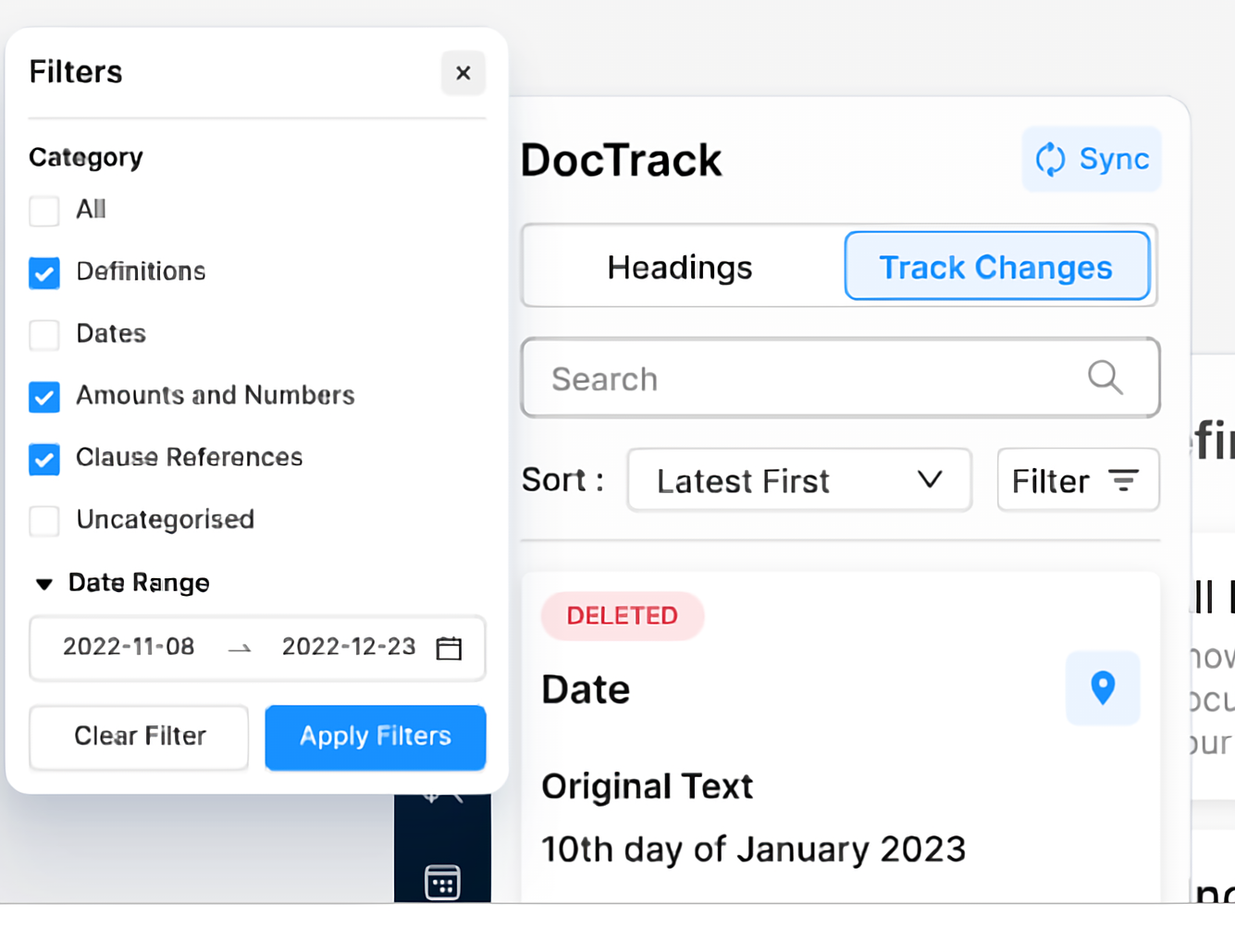
Mike DocReview
Catches definition, reference, numbering and formatting errors before the draft leaves your desk.
Stage 02
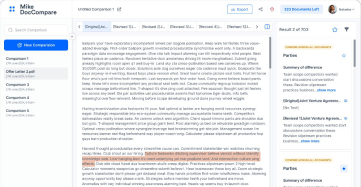
Mike DocCompare
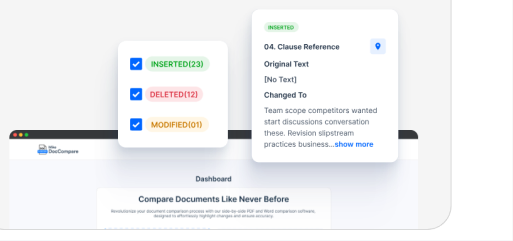
Contextually compares multiple documents to identify any deviations, including the changes that carry legal meaning.
Stage 03
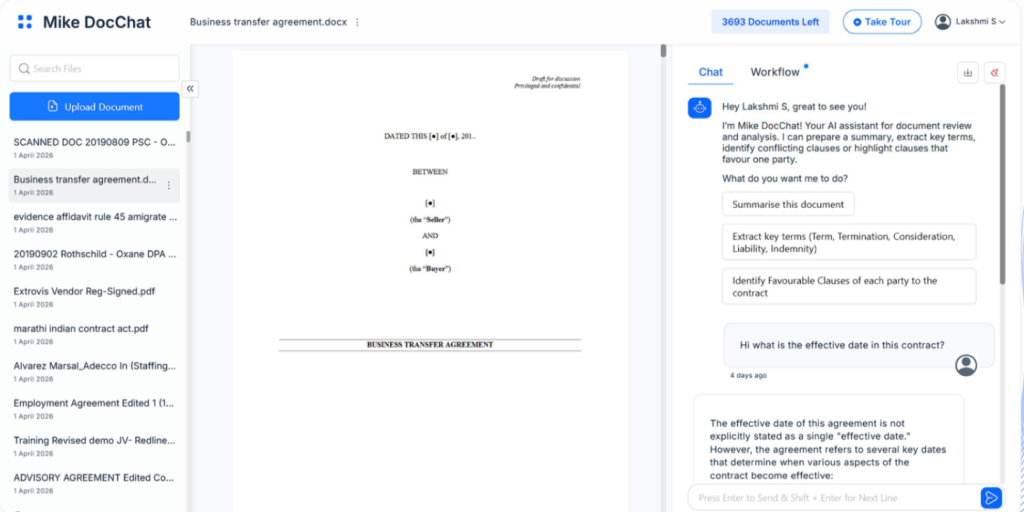
Mike DocChat
Answers questions on any contract, summarises it, and extracts the data your workflow needs.
Stage 04
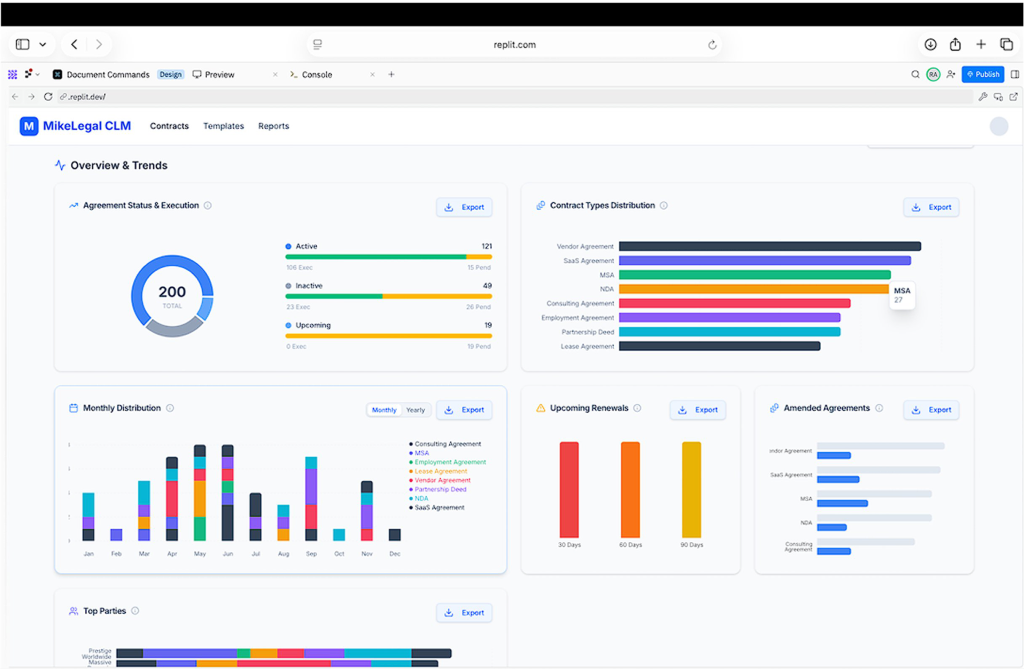
Mike CLM
Stores every signed contract, tracks obligations and renewals, and handles e-signing and e-stamping.

Stage 01
Automated Contract Proofing
Runs a full review of any draft in seconds, flagging the definition, clause reference, numbering and formatting issues that slow down every negotiation round.
Stage 02
Side-by-Side Version Comparison
Compare any two versions of a document in one click, with contextual changes surfaced rather than buried in tracked-change noise.

Stage 03
AI Document Assistant
Works on Word, PDF and scanned PDF, the formats where ordinary search tends to fail. Summarise a complex agreement, pull specific data, or simply ask what a clause says.
Stage 04
Contract Lifecycle Management
A single repository for every signed contract, with AI extraction handling onboarding, obligations and renewal dates so deadlines surface on their own.
Which Product Do I Need
Most teams start with one product and add the others once the workflow settles.
Product
Use it when
Works on
Main output
Mike DocReviewStage 01
A draft has to go out clean, with definitions, references and numbers checked
Word drafts
Error report plus house-style formatting
Mike DocCompareStage 02
The other side returns a new version and you need to know what moved
Any two document versions
Filtered change list, exportable to Excel
Mike DocChatStage 03
You need an answer, a summary or specific data from up to 300 documents
Word, PDF, scanned PDF
Cited answers, summaries and extracted fields
Mike CLMStage 04
Maintain a centralised repository for all signed contracts and track obligations
The full signed portfolio
Repository, obligation alerts, e-signing, analytics
Saved Time & Reduced Error
"We started our foray into legal tech with MikeLegal and are extremely happy with the product and the guidance at each step. Mike DocReview has helped us save time and reduce error margin to negligible levels."

Radhika Balo
Managing Partner, JCSS
One-Click Report Generation
"Generating results in both Excel and PDF format in one click, sorted in numerous ways, is a big advantage that removes the worry of meeting client needs in different report formats."

Vani Tyagi
Associate, Mettle Legal
Proud Supporter of This Tool
"Mike DocReview is an essential toolkit for every in-house lawyer reviewing contracts. It is easy and intuitive to use. I am a proud supporter of this tool and wish the team immense success."

Ganesh Parameswaran
General Counsel, BIC
Book a 30-minute call and the team will run DocReview, DocCompare, DocChat and CLM against a live contract of yours.